Parametric architecture
Choose an architectural style and control dimensions, floors, openings, roofs, balconies and façade details.

Start with an architectural system, refine visible rules and keep the result editable. Mature features and experimental tools are labelled separately.
Choose an architectural style and control dimensions, floors, openings, roofs, balconies and façade details.
Create rooms, floor slabs, stairs and circulation, then refine interior partitions manually.
Save buildings, place them in city layouts and create roads, roundabouts, terrain, foundations and stairs.
Apply managed PBR materials with consistent real-world UV scale and explicit material assignments.
Export named and organized building parts together with structured packages for complete city layouts.
Explore buildings, interiors and city layouts at human scale using the built-in WASD mode.
Watch the procedural workflow move from detailed architecture to a larger urban layout.
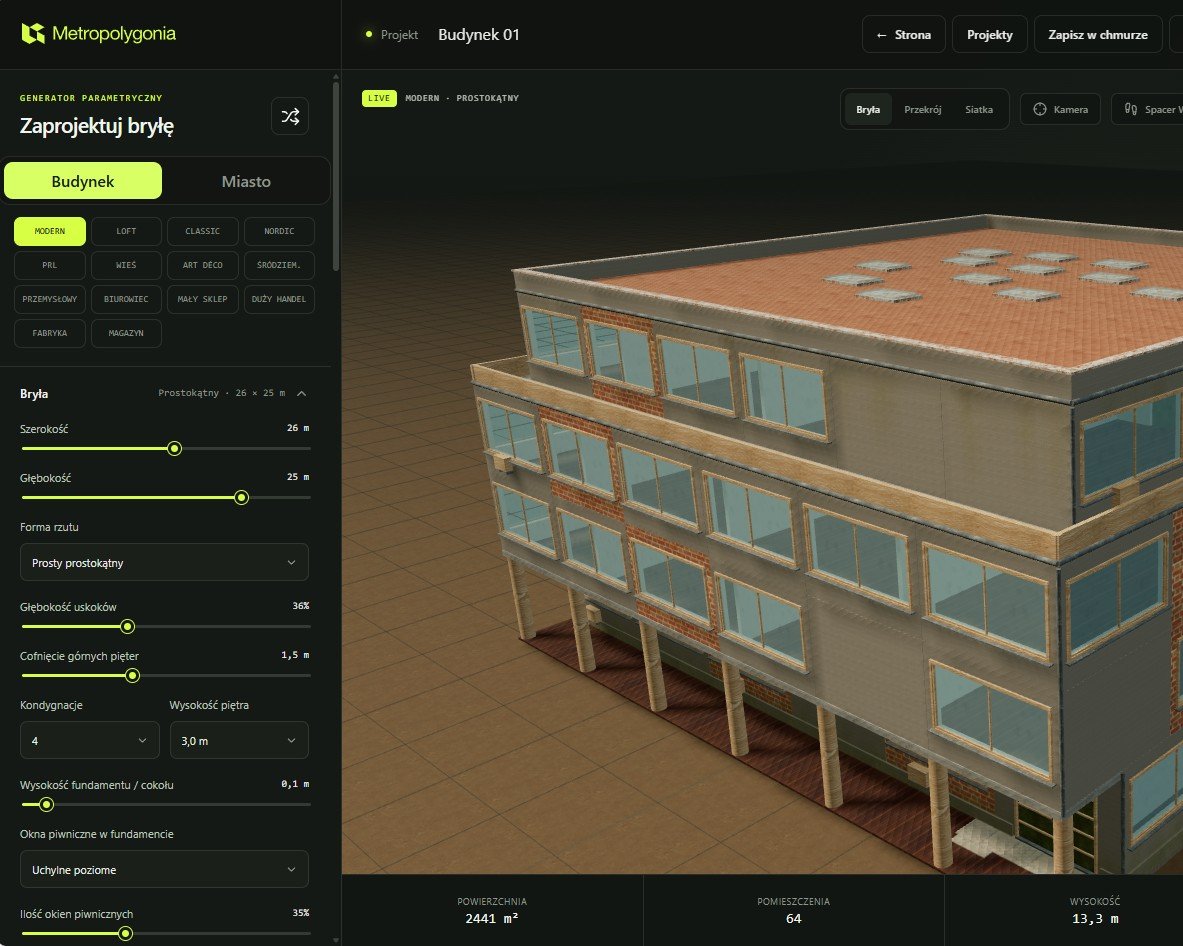 BUILDING
Control footprint, width, depth, floors, storey height, façades, windows, doors, balconies, roofs, interiors, materials and repeatable variation.
Explore the procedural building generator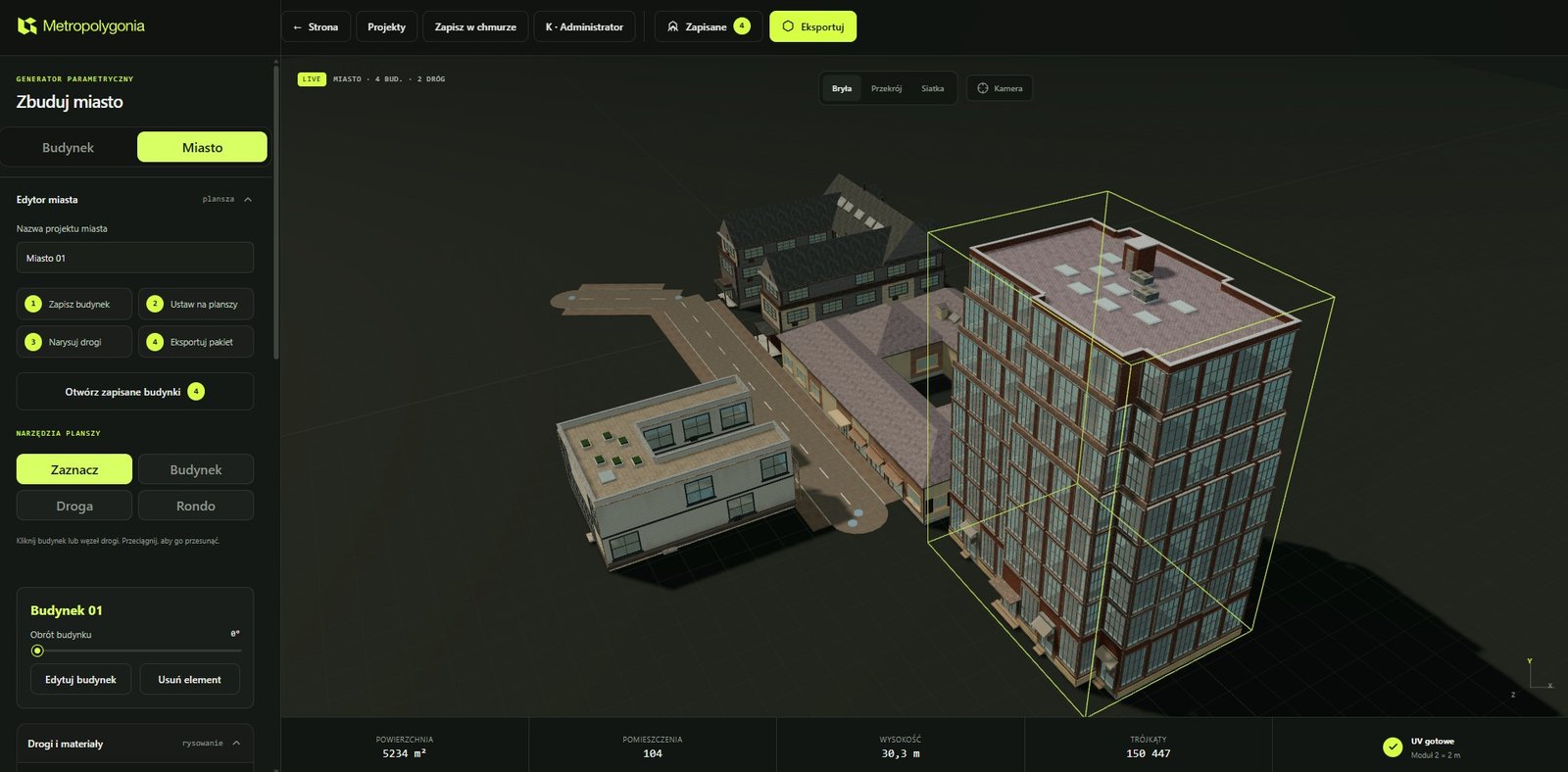 CITY
CITY
Reuse saved buildings, place them directly, draw straight or curved roads, create intersections and roundabouts, work with terrain, then save or export the city project.
Explore the procedural city generatorSet the dimensions, architectural logic and level of detail.
Build deterministic geometry from the parameters and seed.
Adjust openings, roofs, interiors, materials, roads and terrain without changing stable project data.
Choose an individual model format or prepare a structured city package.
The same inputs and seed reproduce the same result. Architectural styles are labels over stable internal values, so changing the interface language does not change geometry, project JSON or exported model data.
Metropolygonia assembles geometry with deterministic code. It does not create buildings from a text prompt and does not hide the construction logic behind a generative model.
Interior layouts, selected PBR material maps, terrain sculpting and the destruction laboratory have different maturity levels. Experimental systems are labelled in the application and still require downstream validation.
Export individual buildings as GLB, glTF, OBJ or STL. City exports can keep buildings separate and include roads plus a machine-readable manifest, which is easier to inspect and update than one opaque scene file.
Metropolygonia provides geometry, scale, named parts, materials and UV context. Import settings, collisions, lighting, LODs, Nanite, navmeshes and final optimisation remain responsibilities of the target application.
Compare the verified export formatsEvery square capture below is created in the editor and published by the administrator with the “Add to examples” action.
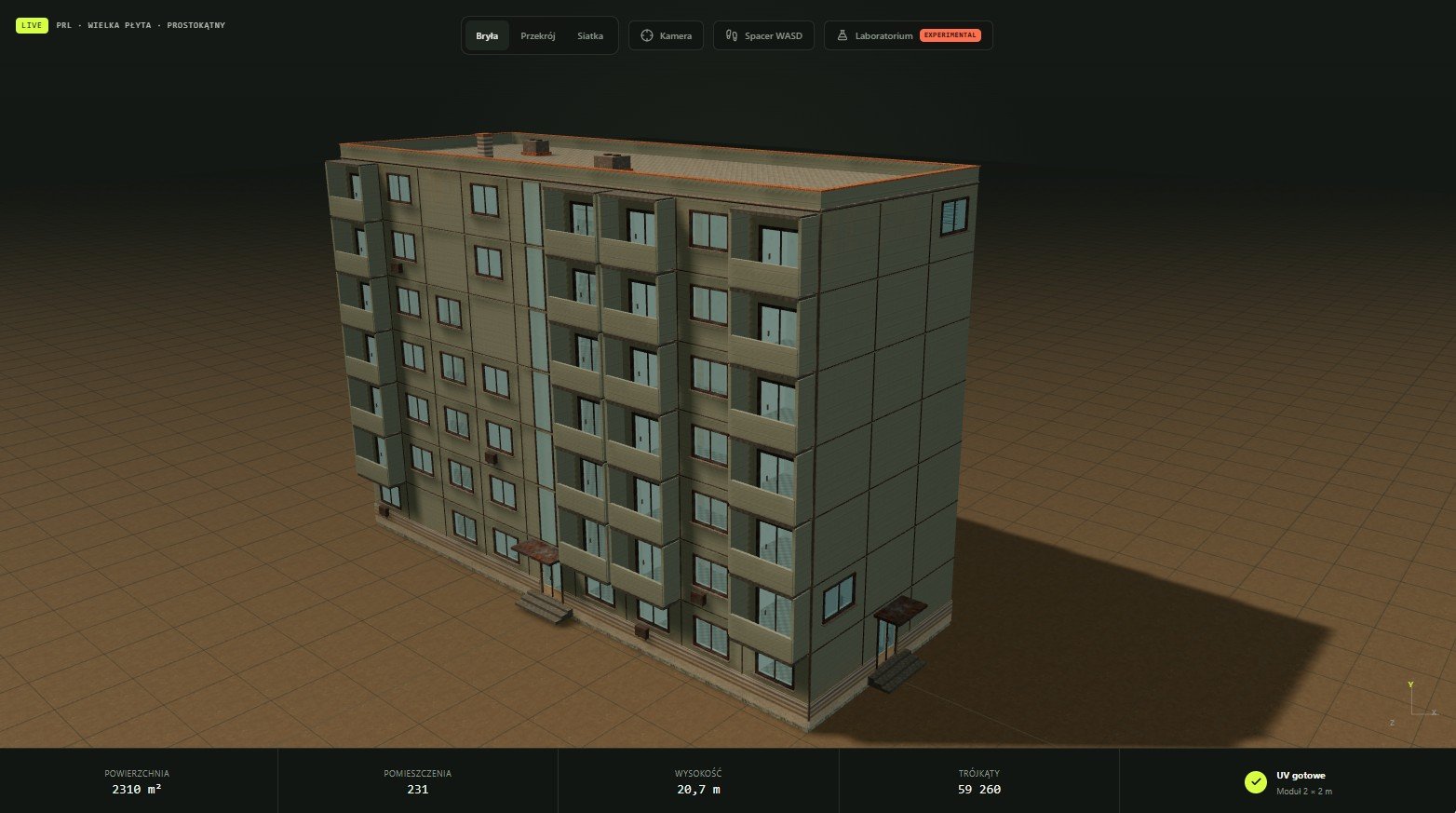
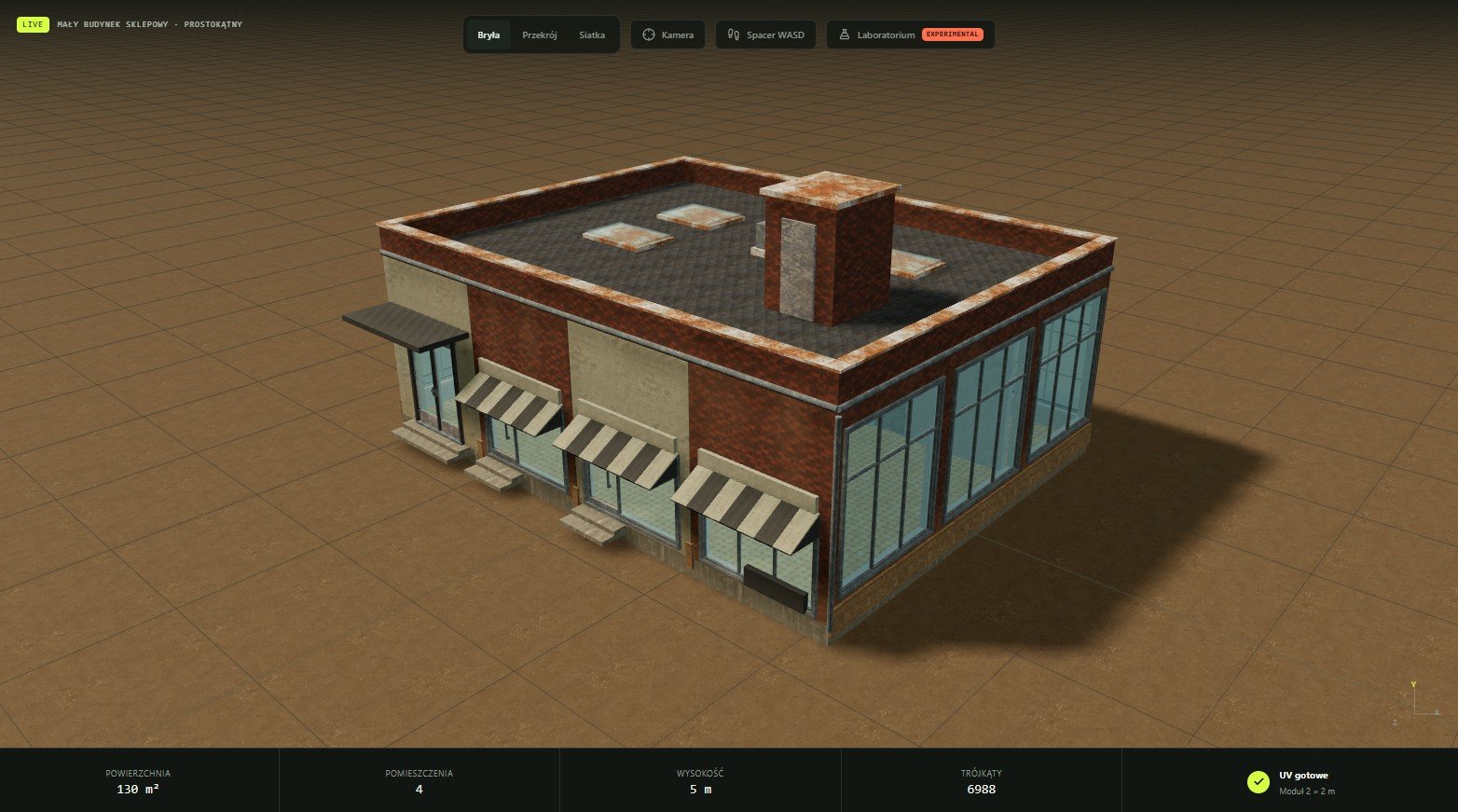
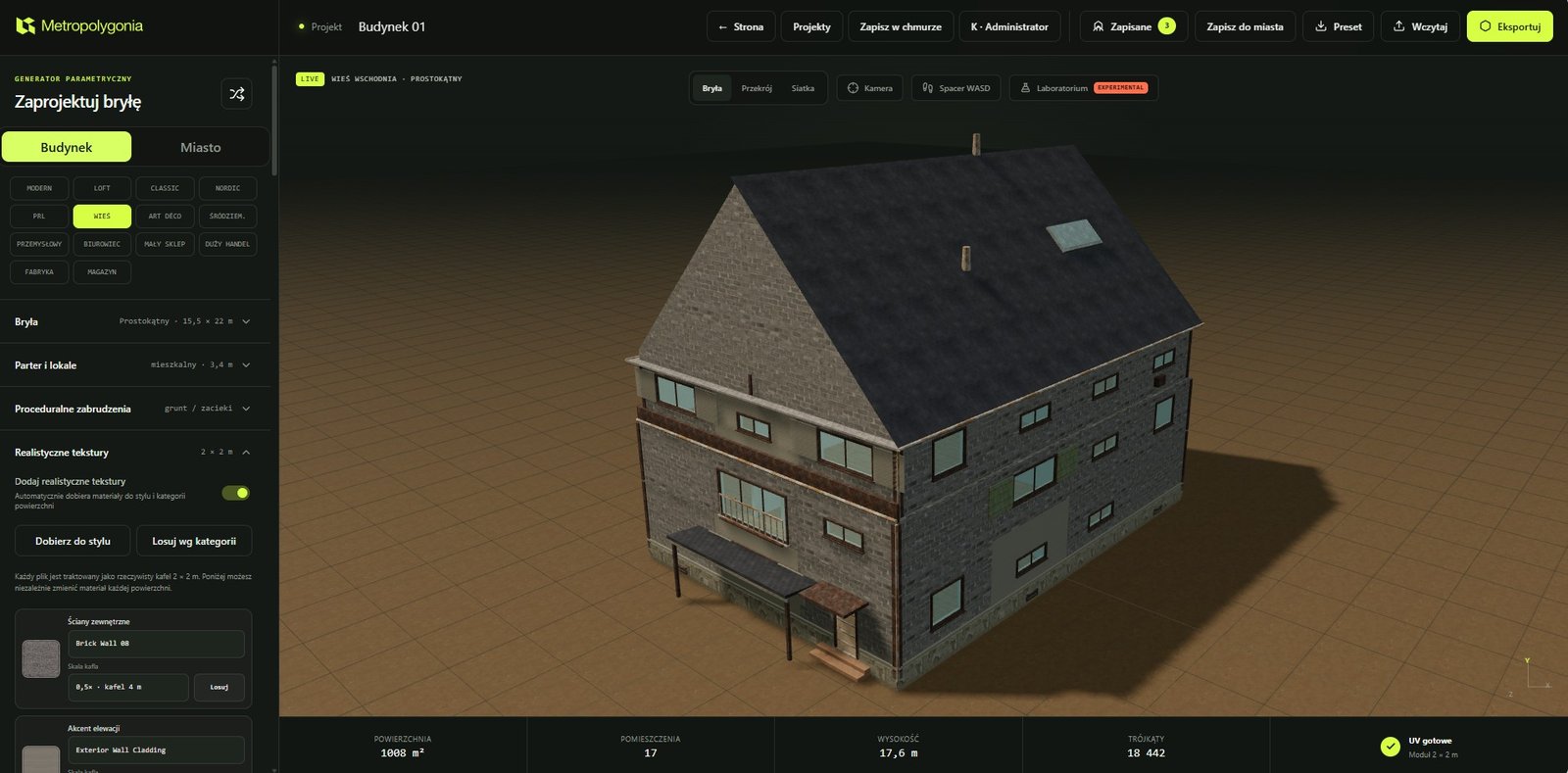
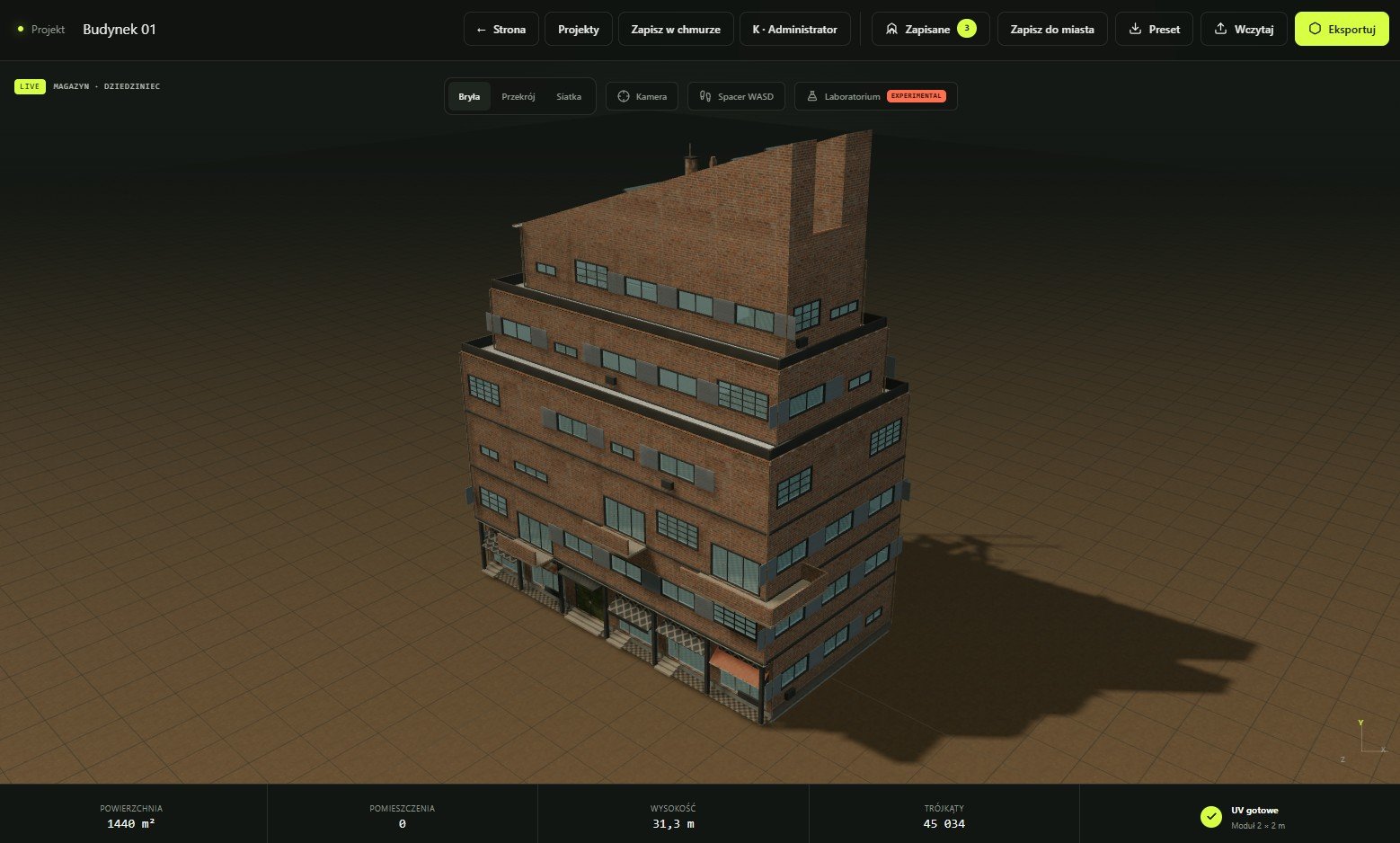
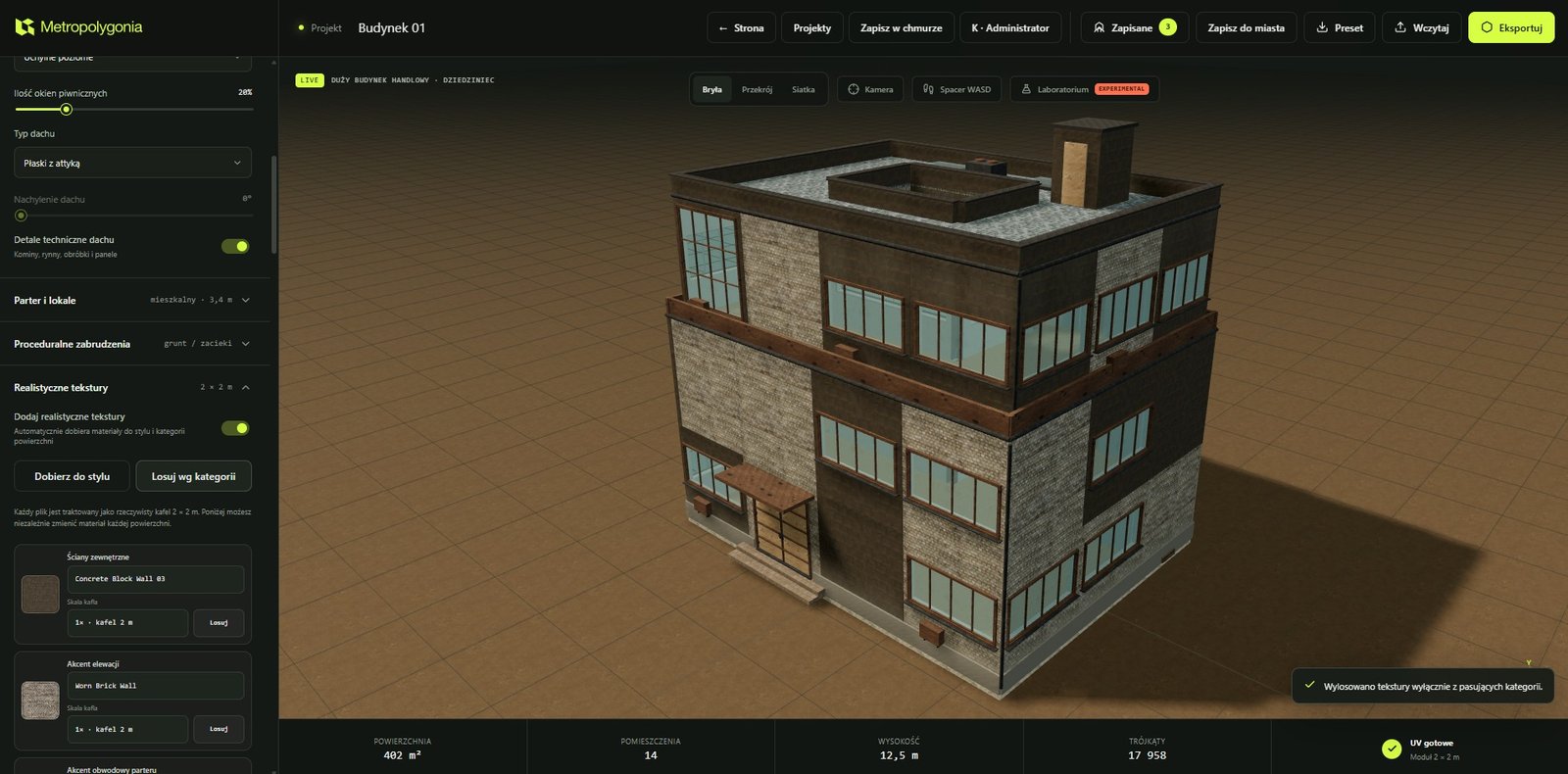
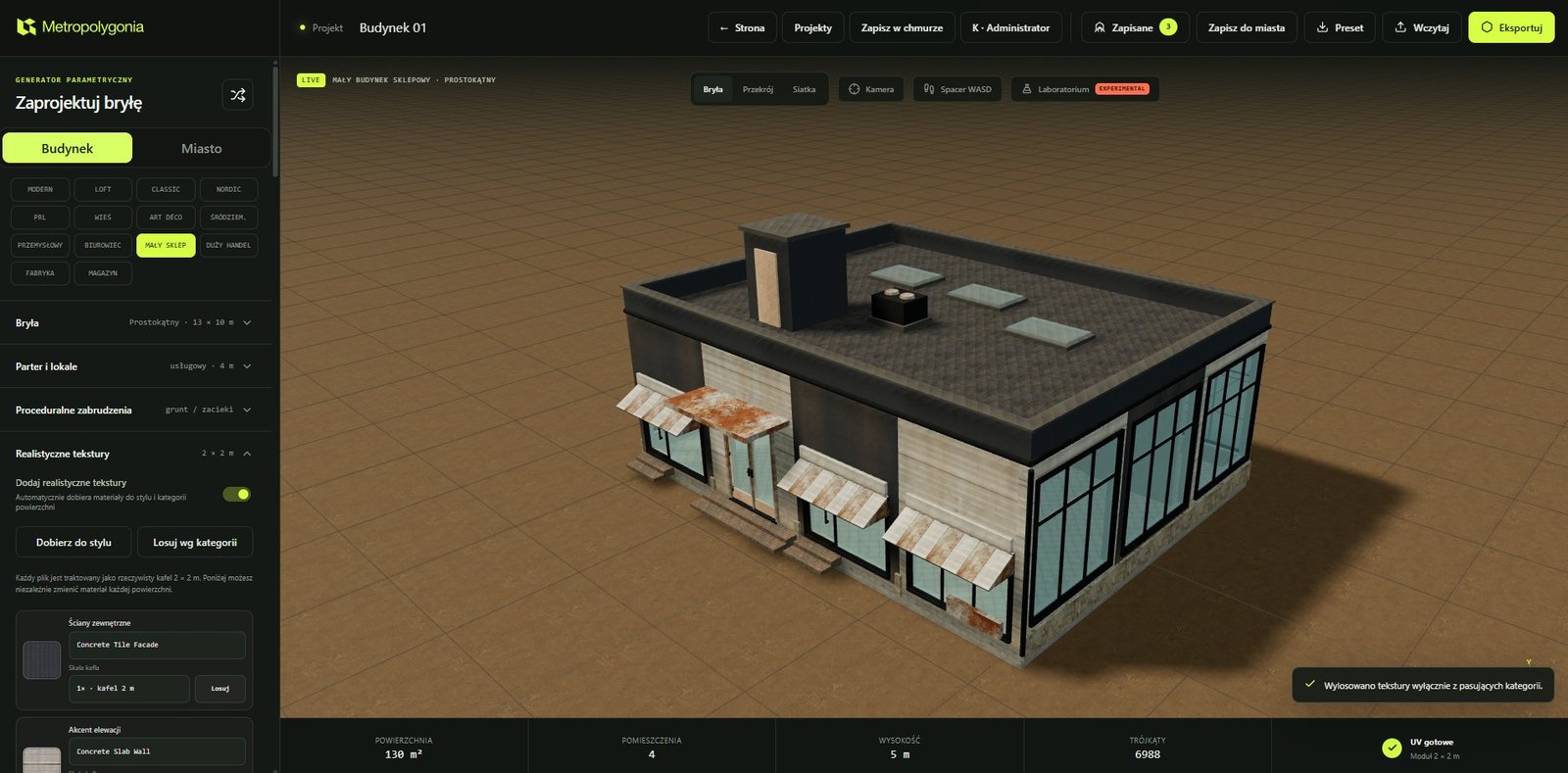
Generation and editing are available without an account. Export requires a signed-in Free Beta account, which currently receives 50 starter exports and then two exports per monthly period.
Free Beta exports use the current Free Non-Commercial Asset License. Public non-commercial work requires the attribution stated in that licence. Commercial plans and commercial licensing are not currently available.
The generator is a creative 3D tool, not BIM, structural engineering, building-code validation or a replacement for final modelling and optimisation.
Read the current Free Beta allowanceNo. Geometry is generated procedurally from explicit controls, architectural rules and deterministic seeds.
Yes. Keeping the same compatible project data, parameters and seed reproduces the same procedural state.
Individual model exports include GLB, glTF, OBJ and STL. The city workflow also creates ZIP packages with separate assets and a manifest.
Yes. The building generator can create procedural rooms, partitions, slabs and circulation, or use an exterior-only shell for lighter context.
The current city package can export manageable building assets, road geometry and a manifest. It is not a traffic simulation or a complete production-ready game level.
No. It prepares structured base assets. Final materials, art direction, import configuration, optimisation and project-specific systems remain downstream work.
Some terrain and destruction tools are experimental. Complex outputs and all downstream imports should be reviewed before production use.
No. The current Free Beta licence permits only the non-commercial uses described in the Free Non-Commercial Asset License and requires “Created with Metropolygonia” in public non-commercial projects.