
Use deterministic seeds to make procedural variants repeatable
A deterministic seed lets the same procedural choices be recreated when the relevant parameters and generator version are unchanged. The seed is not a complete project backup: reliable reproduction also requires the saved project JSON and a record of the version and export settings.
Last updated: 25 August 2026 · Repeatable building seeds and project JSON verified
- SeedRepeats pseudo-random choices
- ParametersDefine dimensions and systems
- Project JSONPreserves editable source state
- VersionProvides implementation context
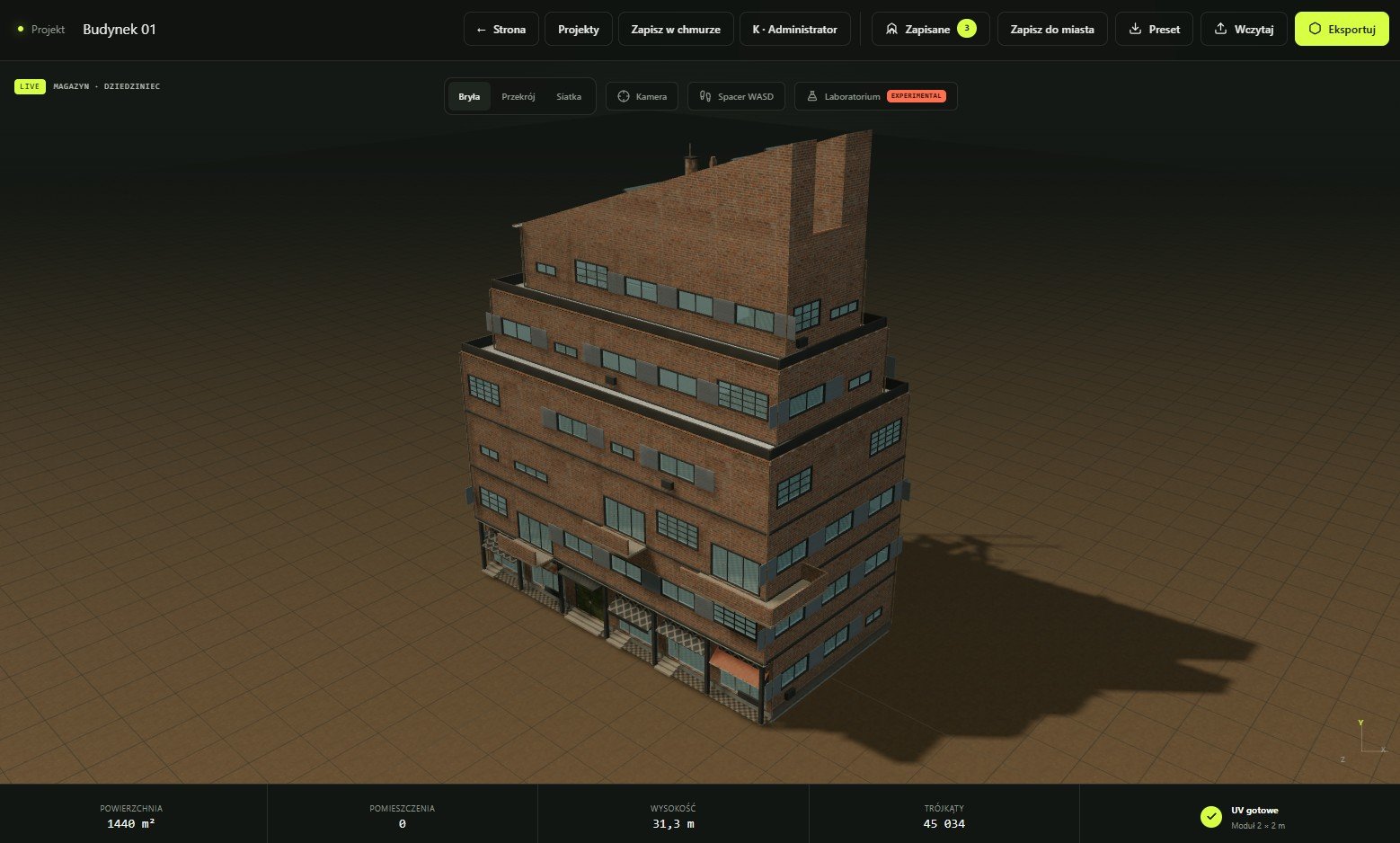
What a deterministic seed does
Procedural systems often need choices within a permitted range: which bay receives an accent, how a bounded detail pattern varies or which authored option is selected. A pseudo-random number generator turns a seed into a repeatable sequence of choices. Reusing that seed under the same surrounding state recreates the sequence.
The seed does not override explicit controls. If width, storey count, roof family or another parameter changes, the same sequence may be applied to a different construction context and produce a different building. Think of the seed as one coordinate in the source state, not a magic identifier for a frozen mesh.
Save four things for an approved variant
| Record | Why it matters | Example label |
|---|---|---|
| Project JSON | Contains the editable building state and stable schema values | warehouse-a-source.json |
| Seed | Identifies repeatable choices inside that state | seed-18427 |
| Generator/version context | Explains which implementation produced the result | approved-2026-08-25 |
| Handoff settings | Records format, textures and destination import assumptions | glb-ue-test |
Compare one controlled dimension at a time
- Create a baseline.Set an intentional envelope, roof and facade system, then save the project JSON before varying anything.
- Lock the comparison question.Decide whether the pass tests silhouette, facade density, roof treatment, material family or another single concern.
- Generate a small named set.Keep a short list of seeds or parameter deltas instead of collecting hundreds of anonymous outputs.
- Review in context.Compare camera distance, neighbouring buildings, gameplay space and downstream asset cost—not only the isolated viewport.
- Promote the winner.Save its complete source record and mark rejected variants so they are not accidentally reused.
Treat project JSON as source and meshes as builds
The project JSON is the editable procedural description. GLB, glTF, OBJ or STL carries generated output for another tool. Keeping that distinction avoids editing an exported snapshot and then losing the relationship to its source controls.
For team review, attach a human-readable note: purpose, approved camera or use case, source filename, seed, changed parameters and target export. If a later generator version changes geometry, regenerate a representative sample and compare it before rebuilding the whole library.
Repeatability assumes compatible rules and state. Software updates can intentionally improve geometry or validation. Archive approved exports when exact historical output matters, and retain the source record for future editing.
Seeds and variants FAQ
Does the same seed always make the same building?
It repeats seeded choices when the relevant parameters and implementation are the same. Change the surrounding state and the resulting geometry may change.
Should every parameter variation use a new seed?
No. Keep the seed fixed when isolating the effect of one explicit parameter; change the seed when the comparison is specifically about procedural variation.
Is a seed enough to share a design?
No. Share the project JSON as the primary editable state and record the seed and version context with it.
How many variants should I generate?
Generate the smallest set that answers a design question. Curated differences are easier to review and maintain than a large unlabelled batch.